

View Your Live Location
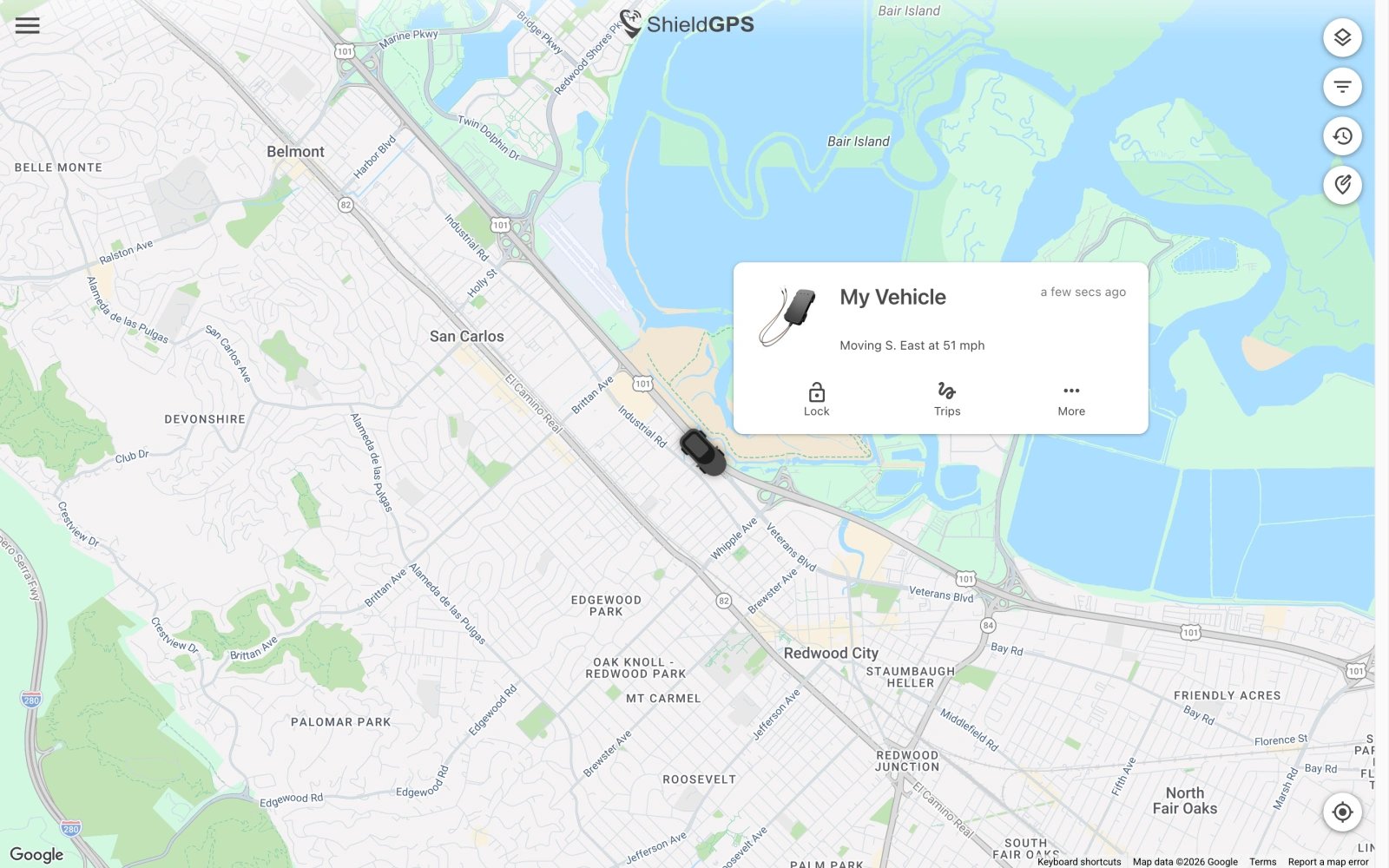
Open the ShieldGPS app on iOS or Android, or visit the web dashboard at shieldgps.co/dashboard. Navigate to the map screen and tap the name of the tracker you want to follow. The map centres on its current position and refreshes automatically every 10 seconds — no need to pull to refresh or reload the page.Map Modes
Standard Map
The default street-map view shows roads, place names, and points of interest — ideal for everyday tracking in urban and suburban areas.
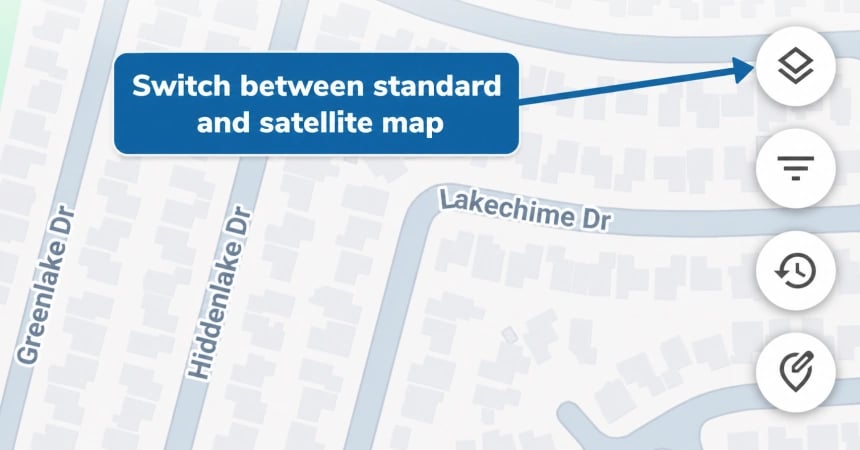
Satellite View
Switch to satellite imagery for a bird’s-eye view of the terrain — useful for rural locations, construction sites, or anywhere roads aren’t clearly labelled.
Location Accuracy
ShieldGPS uses state-of-the-art GPS technology to place your tracker’s position to within a few metres under normal conditions. The system combines GPS satellite data with 4G LTE cell-tower information to maintain accuracy even when the GPS signal alone is weak.What Affects Accuracy
For the most reliable results, position hard-wired or hidden trackers (such as the FMT100 or OB22) where the device has as much exposure to the sky as possible.
Online and Offline Status
A coloured status indicator appears next to each tracker in your device list and on the map:- Green — The tracker is online and actively sending location updates.
- Grey — The tracker has not sent an update recently. This can mean the device is powered off, out of mobile network coverage, or in a location (such as an underground car park) where it cannot connect.