

Start tracking
1. Purchase a tracker
Choose a tracker for your vehicle or asset from the ShieldGPS shop.
2. Activate your tracker
Once your tracker arrives, use its IMEI number to link it to your account and choose a subscription plan.
3. Download the app
Download ShieldGPS for iOS or Android and sign in with the account you used during activation.
4. Install your tracker
Choose your model and follow its hardware and installation guide. Then check its location in the app.
Each tracker requires an active subscription. You choose your plan during activation.
Browse device guides
G1C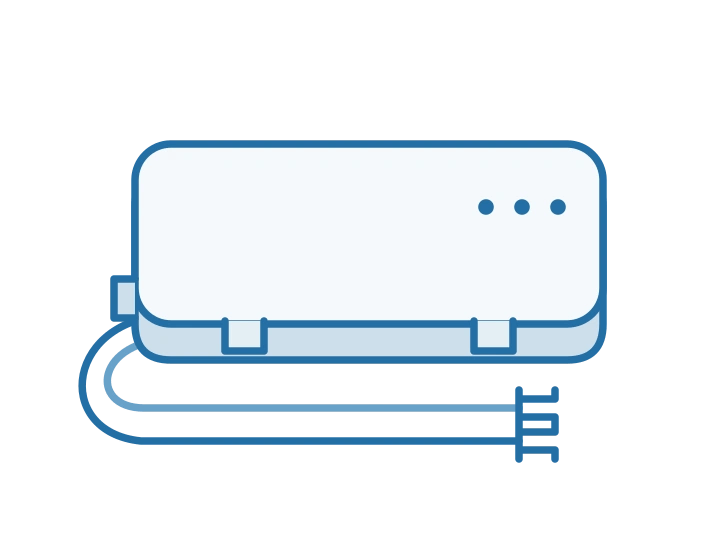
Compact tracker for cars, vehicles, and motorbikes.VO1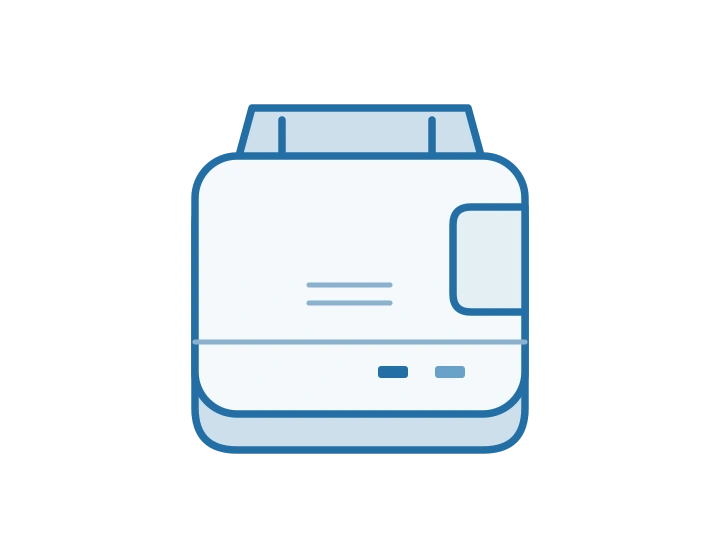
Plug-in 4G OBD-II tracker with no wiring required.AT2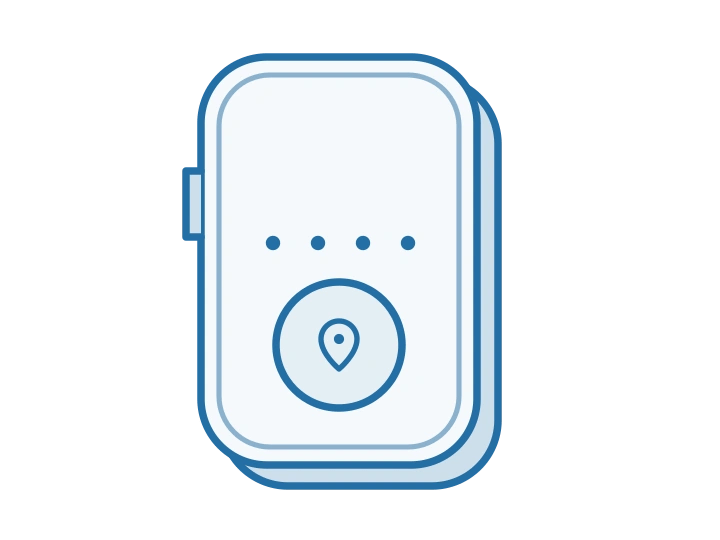
Portable rechargeable tracker with a magnetic mount.FMT100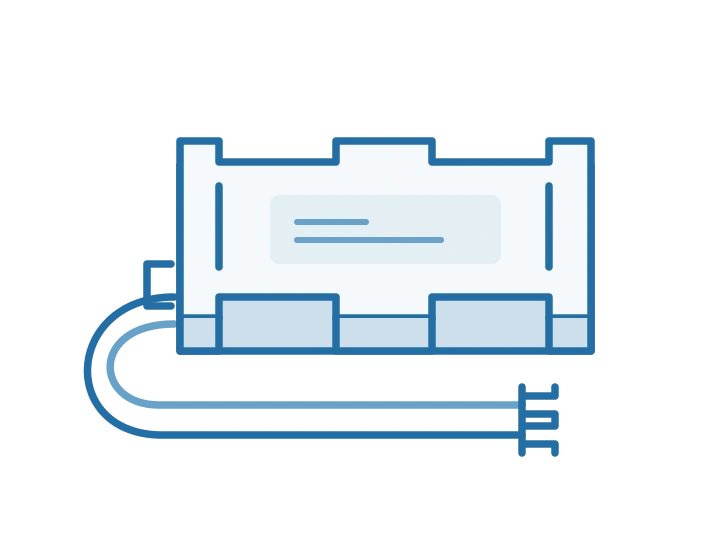
Hard-wired 12V tracker for permanent installation.OB22
Discreet tracker that connects to your vehicle’s OBD-II port.AT1
Rechargeable portable tracker with a strong magnet.Explore platform features
Once your tracker is installed and reporting its location, explore the platform and configure your alerts and geofences.Need help?
Troubleshoot a problem
Work through checks for power, signal, location, and billing issues.